I teach you how to create an application from A to Z...without coding
Greg Taieb · · 9 min read
For a few months, I had an idea running through my head: create a voice recording application that would not only transcribe my thoughts, but also organize them intelligently. A sort of personal assistant capable of making connections between my ideas and helping me structure my thinking.
So I said to myself why not develop it now?
This is not the first application that I have developed using AI, but this time, I wanted to carefully document the entire creation process, from A to Z. My goal? Share with you my experience of several months in no-code development to avoid the classic beginner's pitfalls and show you that it is possible to create something intelligent and useful without writing a single line of code.
Objective: create a useful and intelligent application
It all started with a personal need. I walk a lot with lots of ideas coming into my head and I've gotten into the habit of recording voice notes to capture these ideas in motion. But these recordings generally ended up lost in my phone, without organization or valuation.

I told myself that there must be a way to go further.
There are a few applications available on the market that could do roughly the same thing but :
- They cost between $15 and $20/month
- They do not completely cover my needs.
So I decided to develop this application myself because you are never better served than by yourself.
If there is one thing that I have learned by using AI on a daily basis it is that the quality of the result obtained with AI depends on 2 factors :
- The detail of the prompt: the more precise and detailed the instructions, the better the response
- The model or tool used: each tool has its strengths and by using the right tool we maximize the result
Perplexity has become my default search engine for a while and by using it to explore the idea I will have a creative and synthetic approach based on dozens of contents from the web comparing my request with similar applications to define a proposal for value and relevant features.
Rather than rushing headlong into development, I took the time to refine my idea with this AI. Together, we identified the real added value: not just transcribing, but creating a system capable of automatically organizing thoughts, making connections between ideas, and offering intelligent summaries.
This phase of reflection allowed me to arrive at a clear and user-oriented vision, far from the vague initial idea. This is a step that I tended to neglect, preferring to iterate from a vague initial prompt (like: "develop an app that allows audio transcription using AI"). class="kg-image" alt="" loading="lazy" width="2000" height="1063" src="/content/images/2025/06/CleanShot-2025-06-01-at-16.39.12@2x.png" sizes="(min-width: 720px) 720px">
Step 1: Define an MVP and prioritize the features
The temptation, when you have an idea for an application, is to want to implement everything at once. This is the classic mistake that leads straight into the wall. So I started by defining an MVP (Minimum Viable Product) with only the essential functionalities.
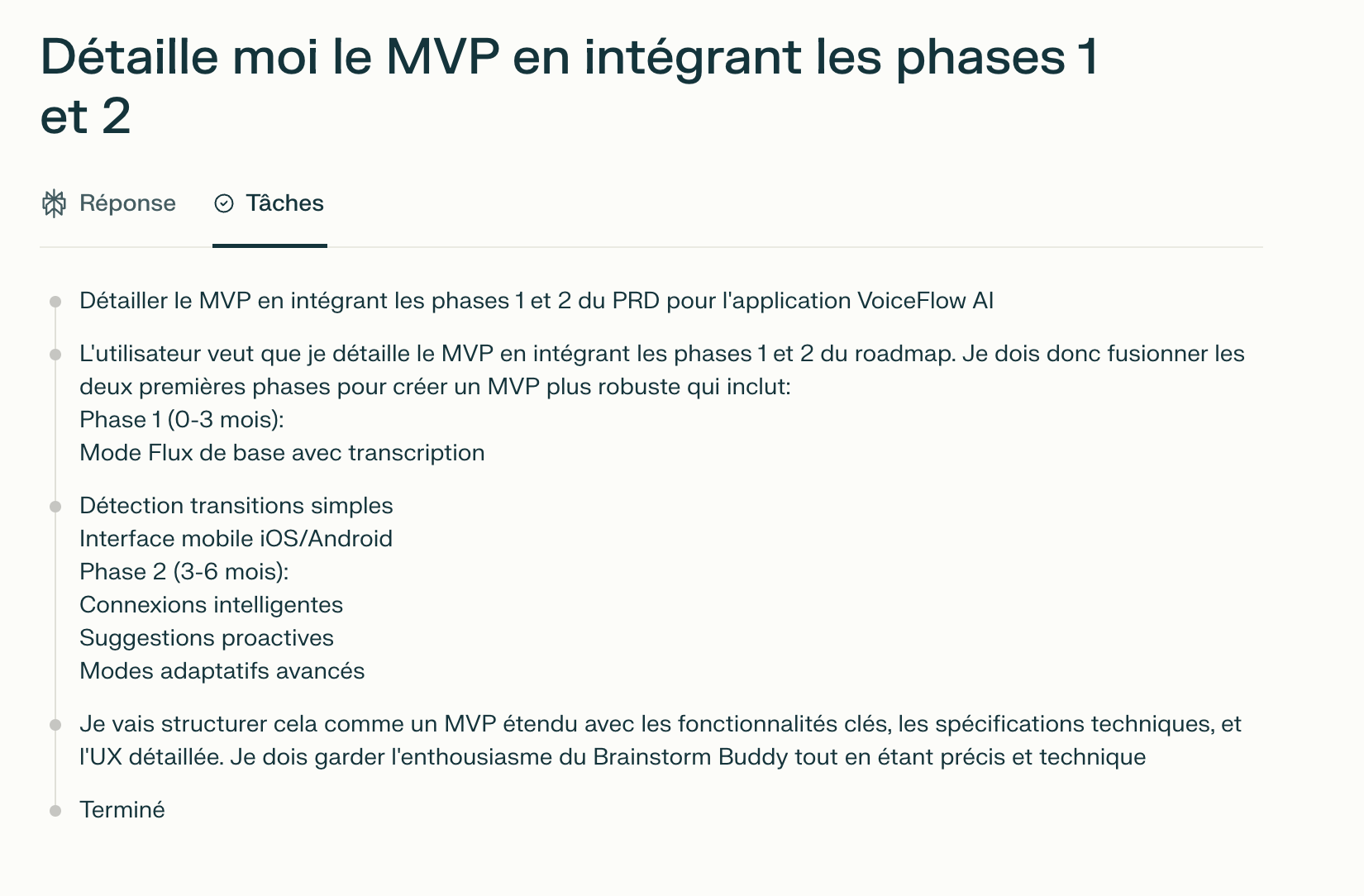
My prioritization method was simple: I asked myself what were the three actions that the user absolutely had to be able to do for the application to have a meaning. In my case: record a voice memo, have it automatically transcribed, and get an intelligent summary of what was said.
Everything else (connections between ideas, advanced history, sharing, etc.) would come later. This discipline of focus allowed me to move quickly towards something concrete and testable.
Step 2: Create the application with Lovable
For development, I chose Lovable, a no-code platform specializing in the creation of web applications. What appealed to me was its ability to generate code from natural language descriptions.
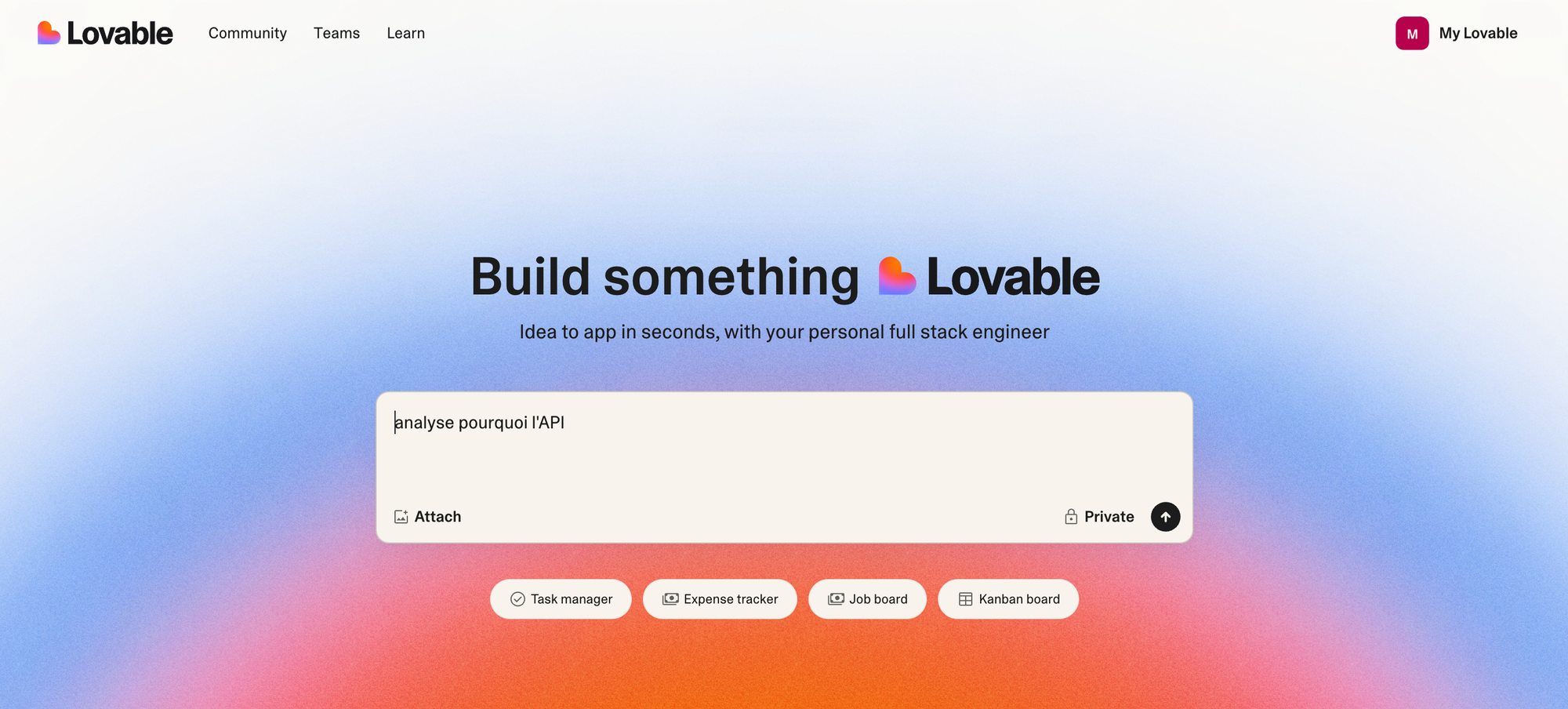
What I like about Lovable is its friendly user interface, its relevance because it constantly relies on the best LLMs for the code and its billing method. You pay per prompt so the more precise you give a prompt the less you need to enter and the less it costs.
The creation of the account is immediate, and in a few minutes, I was able to write my first prompt to generate the basic structure of the application.
 Step 3: Add intelligence with the ChatGPT API
A classic recording application is good, but what makes the difference is artificial intelligence. For this I have to use an API.
Creating an API key at OpenAI is quite simple, just go to on this page, but you have to be careful about cost management. I set up strict spending limits to avoid unpleasant surprises. For an application like mine, I mainly use GPT-4o-mini for transcriptions and GPT-4 for more complex analyses.
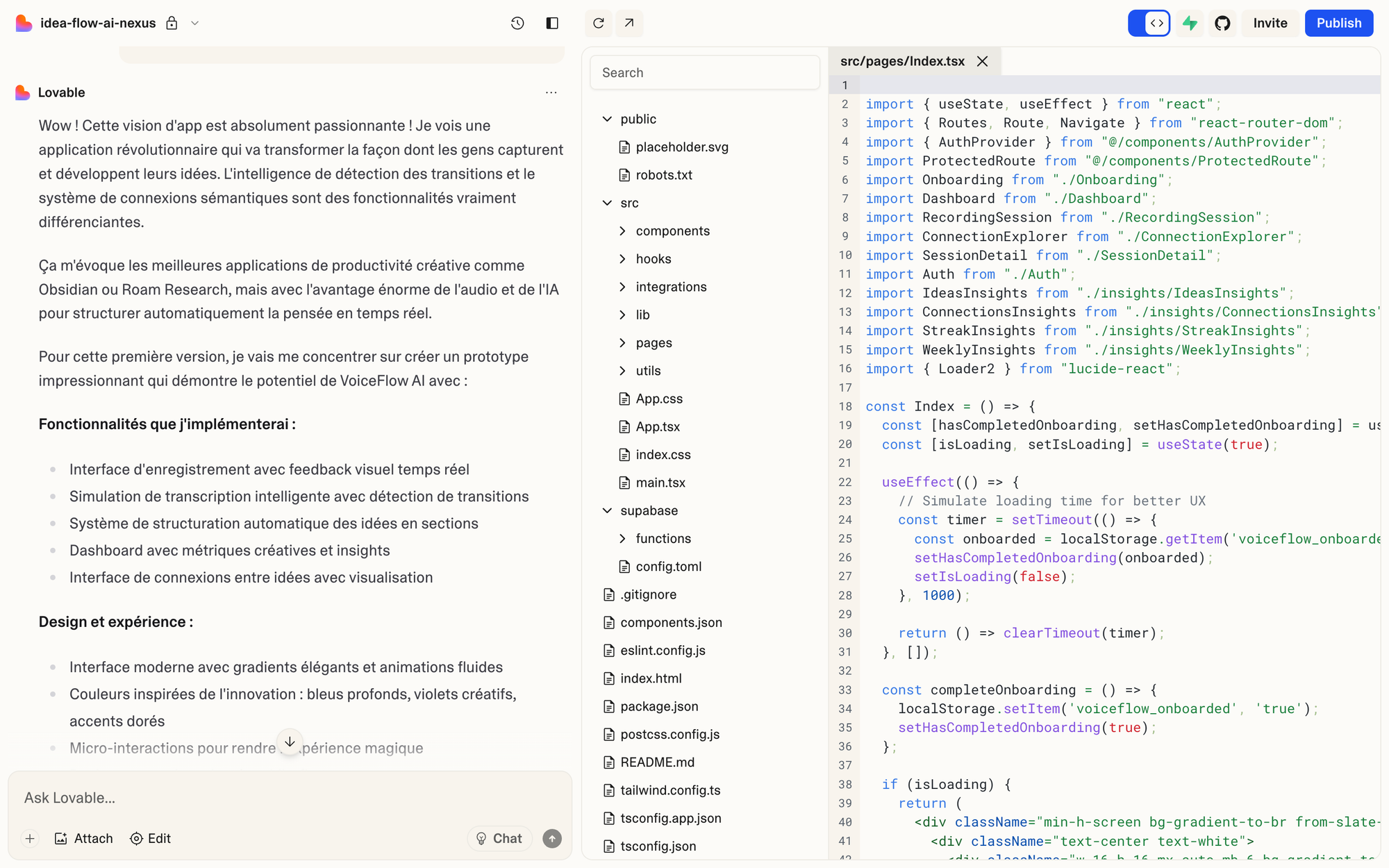
The integration into Lovable happened naturally: I simply described in a prompt how I wanted the application to communicate with the API, and the system generated the necessary code.
I communicated to him the API to use so that he stored it securely and it was good.
This is where we understand the power of modern no-code: we focus on the "what" rather than the "how".
Step 4: Add a database with Supabase
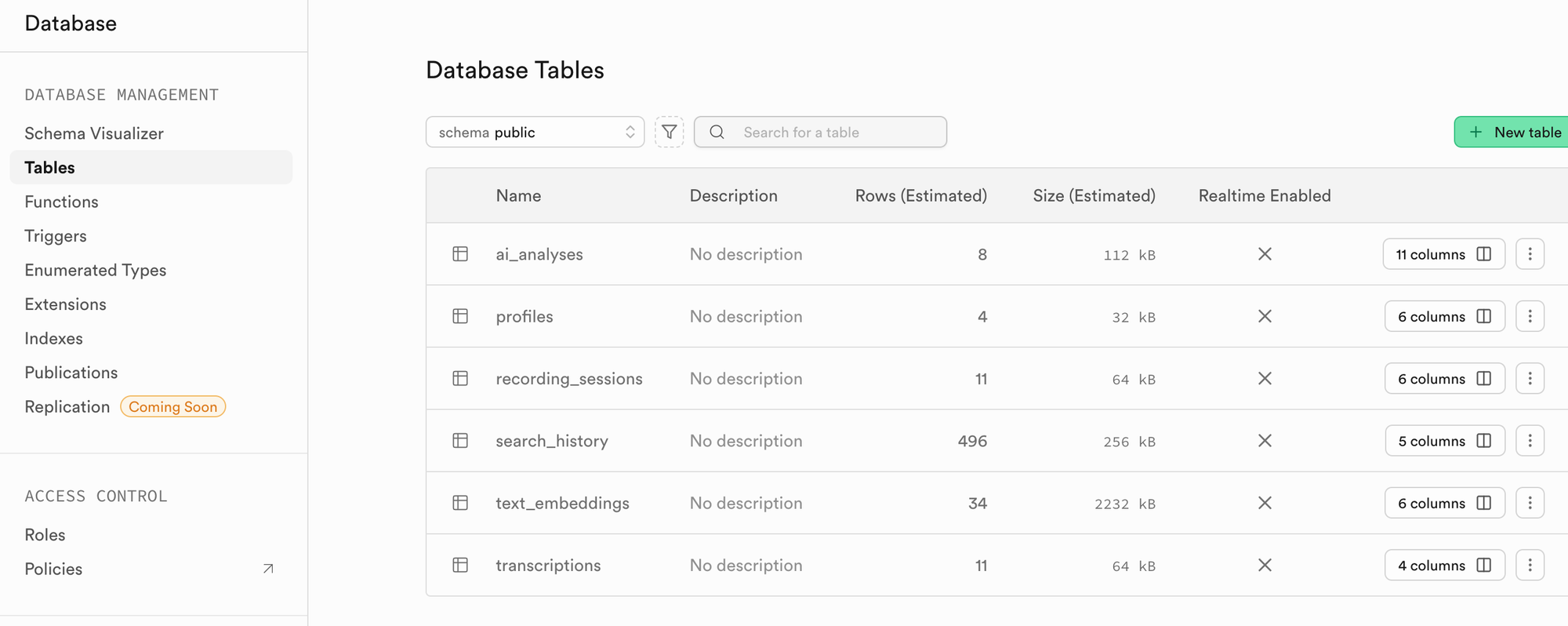
Quickly, I realized that an application without data persistence didn't make much sense. Users would like to find their previous recordings, organize them, search them. I needed a database.
Supabase was an obvious choice: simple to configure and perfectly integrated with Lovable which goes so far as to create the elements of the database for me (table and fields) based on the functionalities that I ask it to develop. In addition to the database, Supabase automatically handles user authentication, which saved me a lot of time by not having to build a system from scratch.
Step 5: Test, correct, iterate
With these bricks in place, I had a first functional version of my application. But having something that works on your computer is one thing. Having something that other people can use without a problem is another.
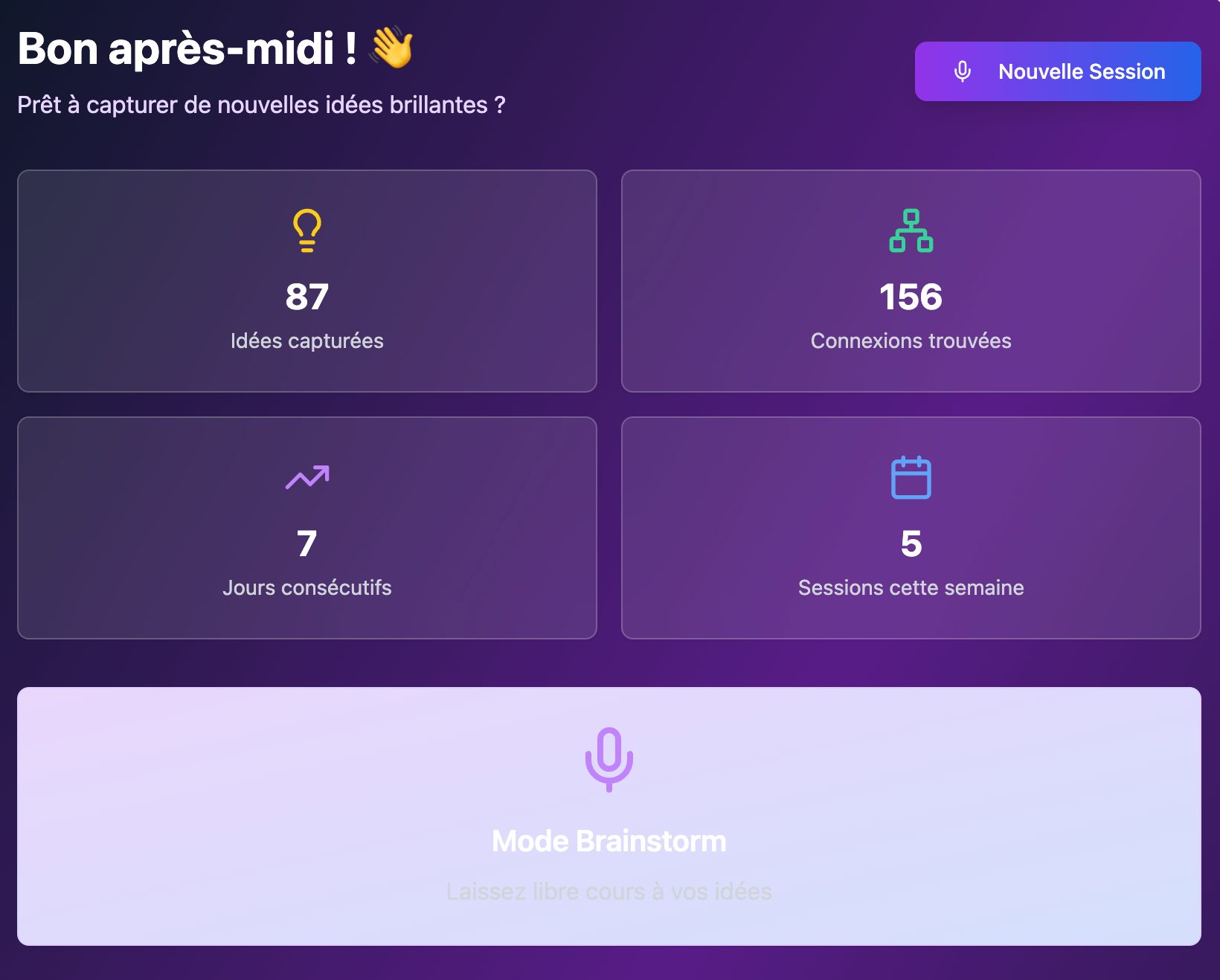
So I started by testing the application myself from all angles, then I asked a few people close to me to try it. Their feedback was valuable: bugs that I hadn't seen, misunderstandings about the interface, suggestions for improvement.
The trick I learned was to stay focused on the MVP. Not every piece of feedback has to result in a new feature. We must first ensure that the basic functions work perfectly before adding complexity.
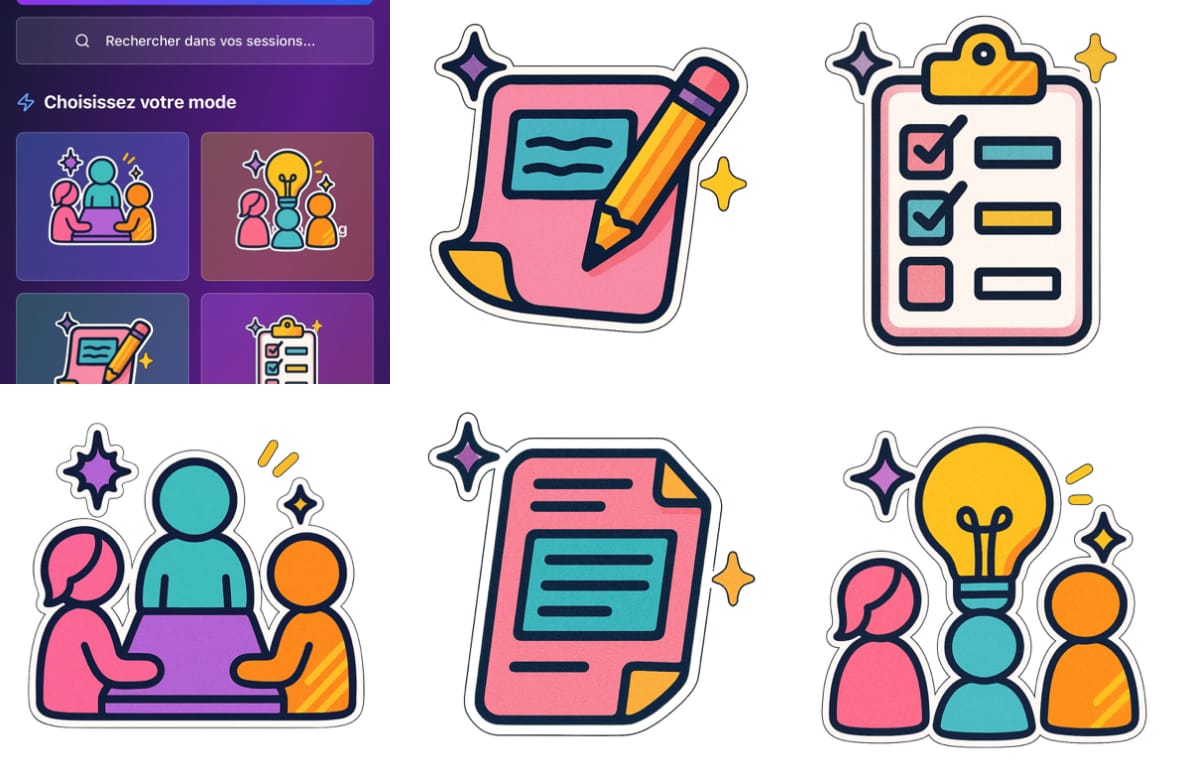
At the same time I improved the design a little, by creating pictograms via ChatGPT compatible with the style I wanted to give to my application.
Step 6: The problems encountered (and how I overcame them)
Even if this is not my first application and I am starting to get used to no-code, everything has not gone without a hitch. Here are two concrete examples where I could have been stuck for hours, and where artificial intelligence saved me precious time.
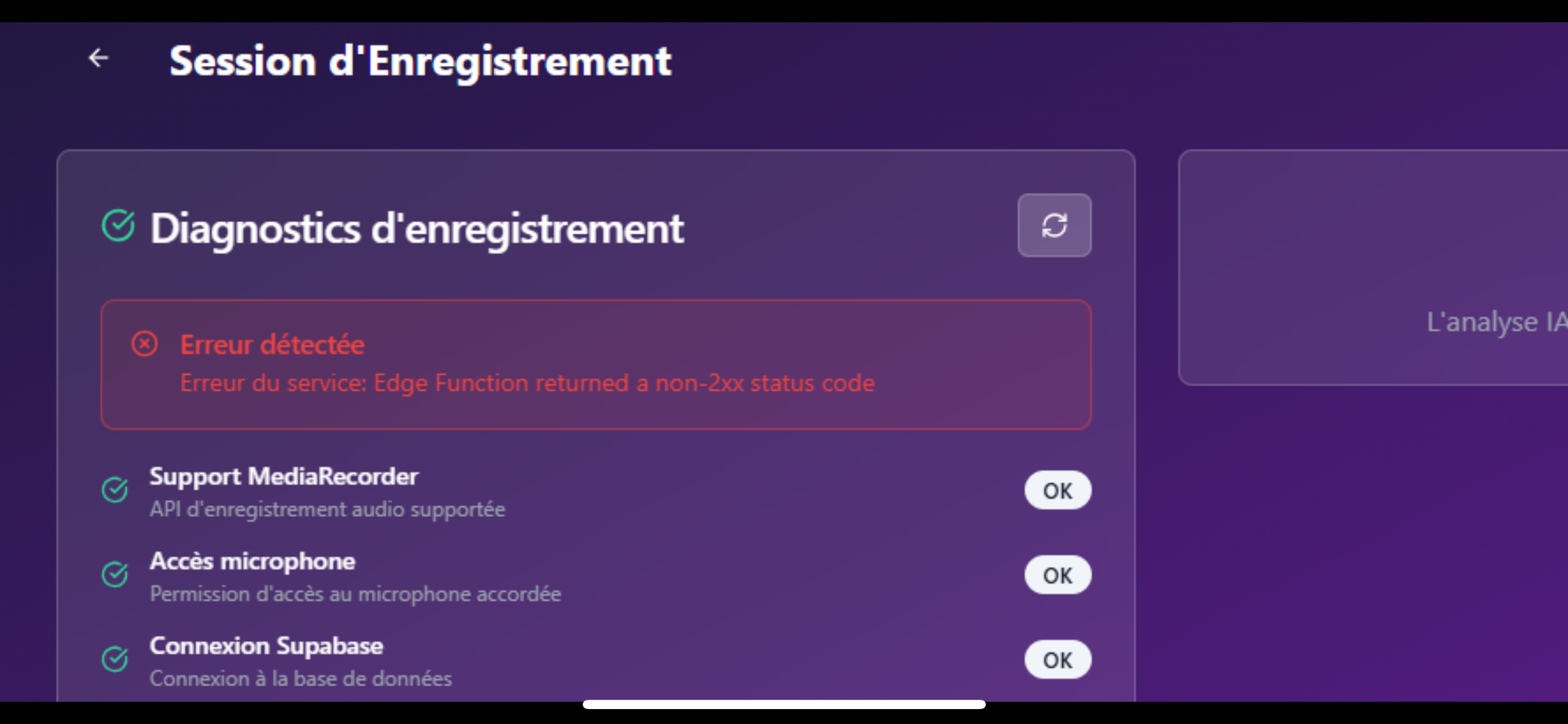
The first problemappeared during mobile testing. Everything worked perfectly on computer, but as soon as I tried to record a memo from my iPhone, nothing worked. After sending the error logs to Loveable, the analysis revealed two distinct problems: first, microphone access permissions were not correctly managed on mobile, and second, the audio encoding format generated by iOS was not compatible with the OpenAI API requirements.
The solution proposed by the AI was elegant: adaptation of the audio format and systematic check of permissions before recording with the added bonus of adding a diagnostic mode which allows you to know precisely where the error comes from in the event of a problem. I was able to implement it directly by describing the problem in a prompt, without having to understand the technical subtleties of mobile development.
The second pitfall concerned long recordings. During my tests, I discovered that memos longer than twenty minutes no longer passed. In fact, OpenAI's API rejects files larger than 25MB or older than twenty minutes. For a voice note-taking application, this was problematic.
The solution developed was more sophisticated: the application automatically splits long recordings into several segments of acceptable size, transcribes each segment individually, then recomposes the final result. The user doesn't see any of this technical complexity, he just gets his complete transcription.
What I understood is that even without coding, you remain a "product developer". Our role is to understand what is not working, clearly formulate the need, and ask the no-code tool for the correct correction. Artificial intelligence then becomes an extremely effective technical collaborator.
What I learned from this experience
This adventure confirmed one thing to me: no-code does not replace product thinking, it democratizes it. You must always know how to clearly formulate what you want, quickly test your hypotheses, and correct methodically. The difference is that you can do it without spending months learning a programming language.
The golden rule is simplicity at the beginning. A functional MVP is better than a half-finished complex application. Once the foundations are solid, we can think about scalability and advanced features.
If this approach interests you and you want to see the concrete result of this whole process, don't hesitate to test my application. It is still in beta, but it perfectly illustrates what is possible to create today with the right tools and a rigorous methodology.