Why the iPad with the Goodnotes app is (by far) the best note-taking tool
Greg Taieb · · 6 min read
It’s been almost 6 years since I last used a notebook to take my notes.
The culprit? The iPad, its Apple Pencil and its incredible note-taking applications.
In this article I tell you about my long search for the ideal solution and everything that this triptych has changed for me.
My long quest for perfect note-taking
It all started 20 years ago with the Palm V[] a personal assistant with a monochrome, unconnected screen that allowed you to take notes with a virtual keyboard or stylus.
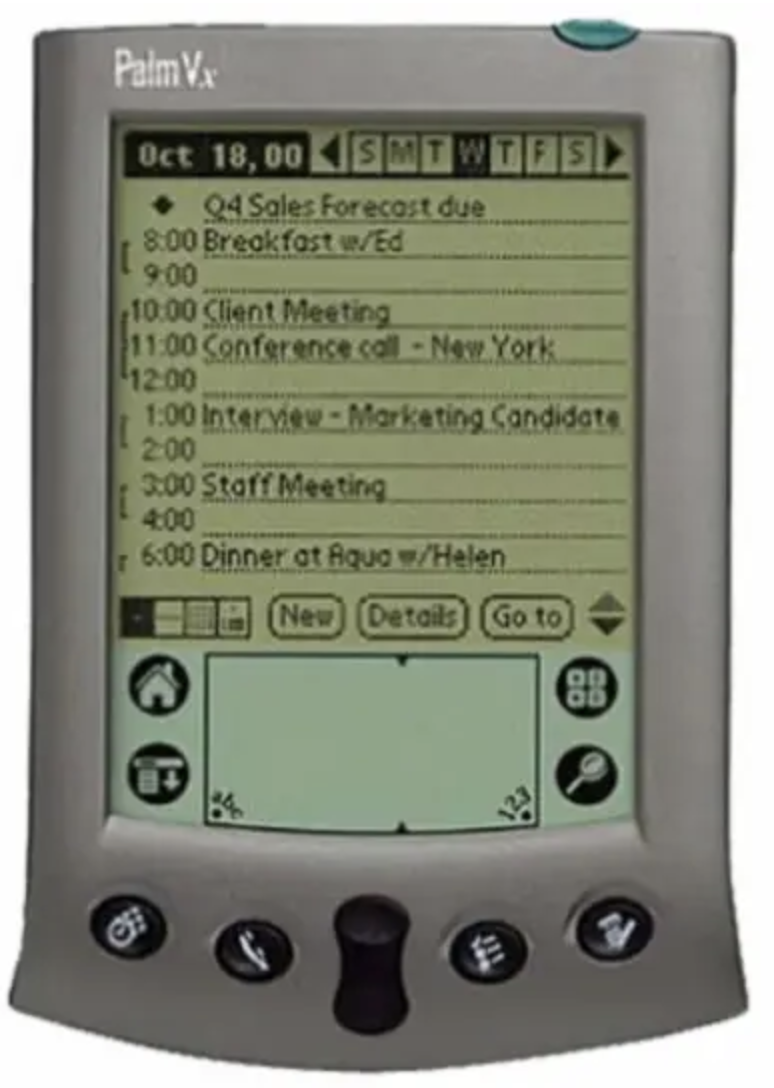
The screen was tiny (3.2 inches for comparison, the latest iPhone has a screen almost twice as large) but at the time it was the best we could hope for.
What followed were years of testing of all kinds to have the best of digital and analog.
For the digital we needed to be able to save, have my notes everywhere and easily find a note several years old via a simple search.
For the analog my need was to find the ease of the notebook with the annotations, graphs and other diagrams.
Failing to find my happiness I alternated between the two media for years: Evernote on computer for saving and entering digital notes and the good old Moleskine for taking notes on paper.
I even used absurd solutions to facilitate cohabitation with tools like Moleskine Evernote which allowed you to scan the notebook sheets and find them stored in the correct Evernote folders via a sticker system.
In short, it was rubbish!
So I had resigned myself to using the computer/moleskine pairing to address 100% of my needs. With all the problems that this could cause due to the fact that for the same subject the notes were in several places. And I thought it would stay like that for a long time...
The 20 grams that changed everything
Then in 2015 a small 20-gram accessory came to shake up these certainties: the Apple Pencil which quickly became the ideal accessory for the already excellent iPad.
So of course everything was not done in 1 day. First of all, pencil compatibility was a concern for me: only available on the initial 12.9-inch iPad pro (too big), then the 9.7-inch one in 2016 (too small). I will have to wait until 2017 for it to arrive in the ideal size: 10.5 inches.
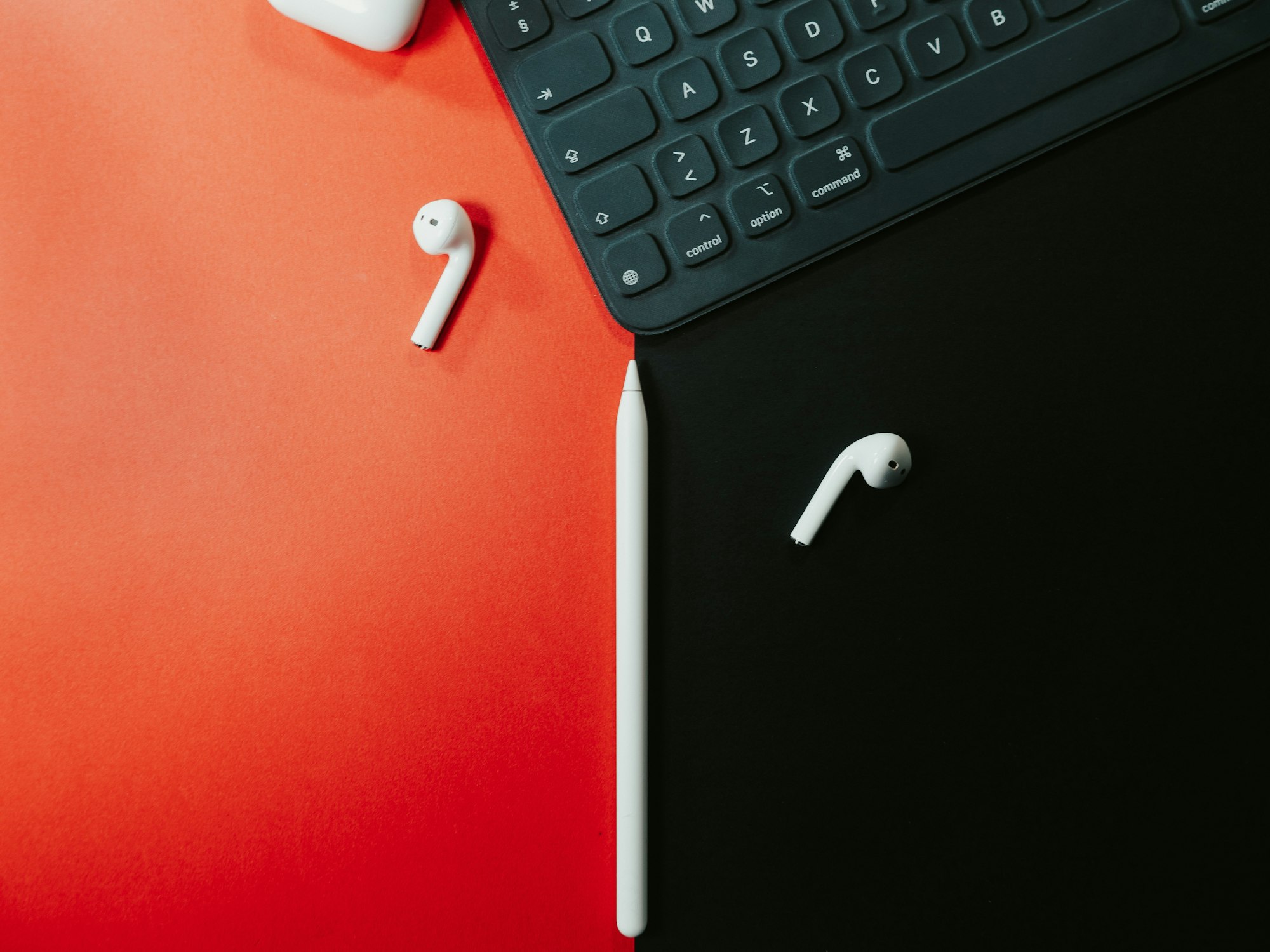
Then we needed the **applications** which are still the key. If I had bought the pencil when it came out I would certainly have quickly gotten bored with it, only when I bought the iPad pro in 2017 we already had excellent applications available for taking notes. I would focus here on GoodNotes which is the one I chose but there are very good alternatives like Notability.
The versatile and limitless notepad
Take a classic notepad: it has a single size, all its pages are identical (blanks, lines, point, tiles,…) and it has a limited number of pages.
You rarely carry more than one notebook with you at a time and you probably write notes page after page. This is what we have been doing since we started school. This system poses lots of problems to which we have finally resigned ourselves:
- What should I do if I need more space on the next page?
- What should I do with old notebooks?
- How can you refer to them effectively several months or years later?
An application like GoodNotes shatters all these constraints.


For each notebook you choose the cover, the size (A4,A3,…), the orientation (portrait or landscape), the type of paper and its color. You can even create your own page templates (e.g.: a schedule, a todo list, a meeting notes template, etc.). Of course the number of pages on each keyboard is unlimited because you will add a new page each time you finish the one you are on.
You can create as many notebooks as necessary and have them all available at all times.
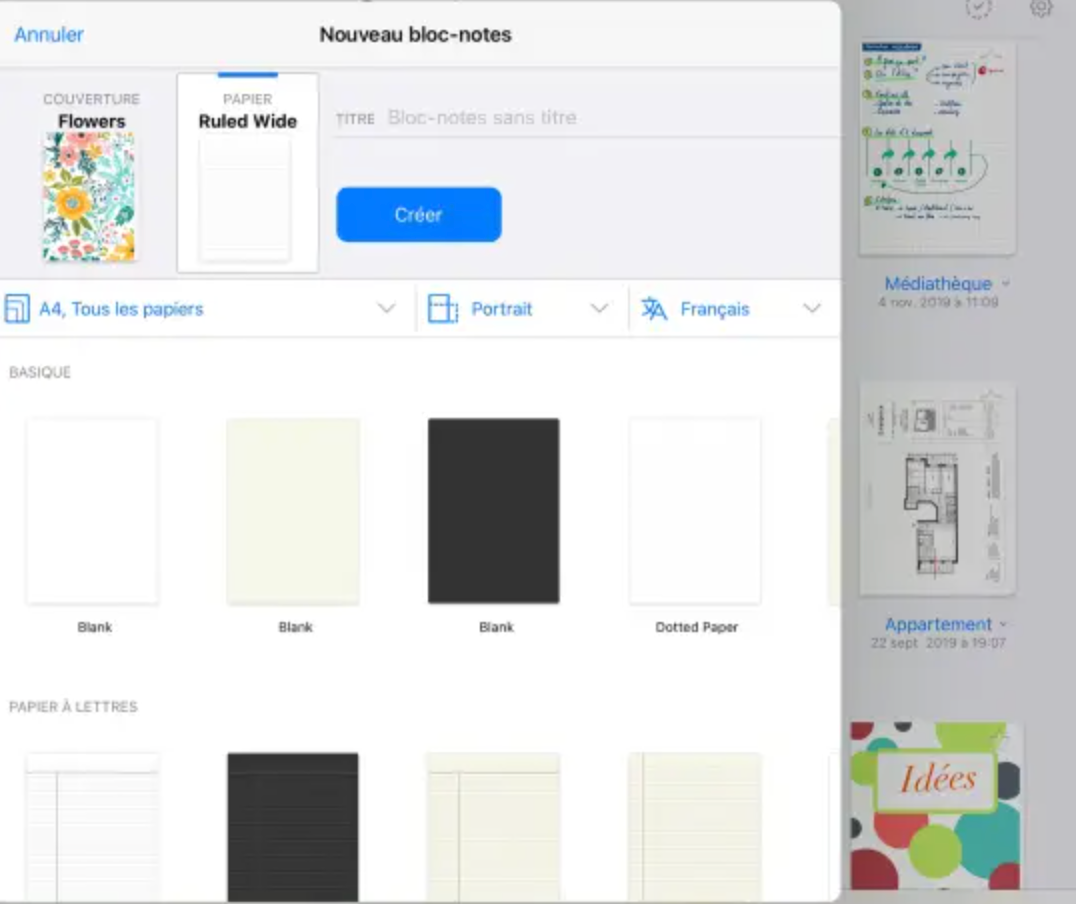
The flexibility doesn't stop there since you can change the format and type of paper used from one page to another. Do you want to insert a blank horizontal page between 2 vertical squared pages? No worries!
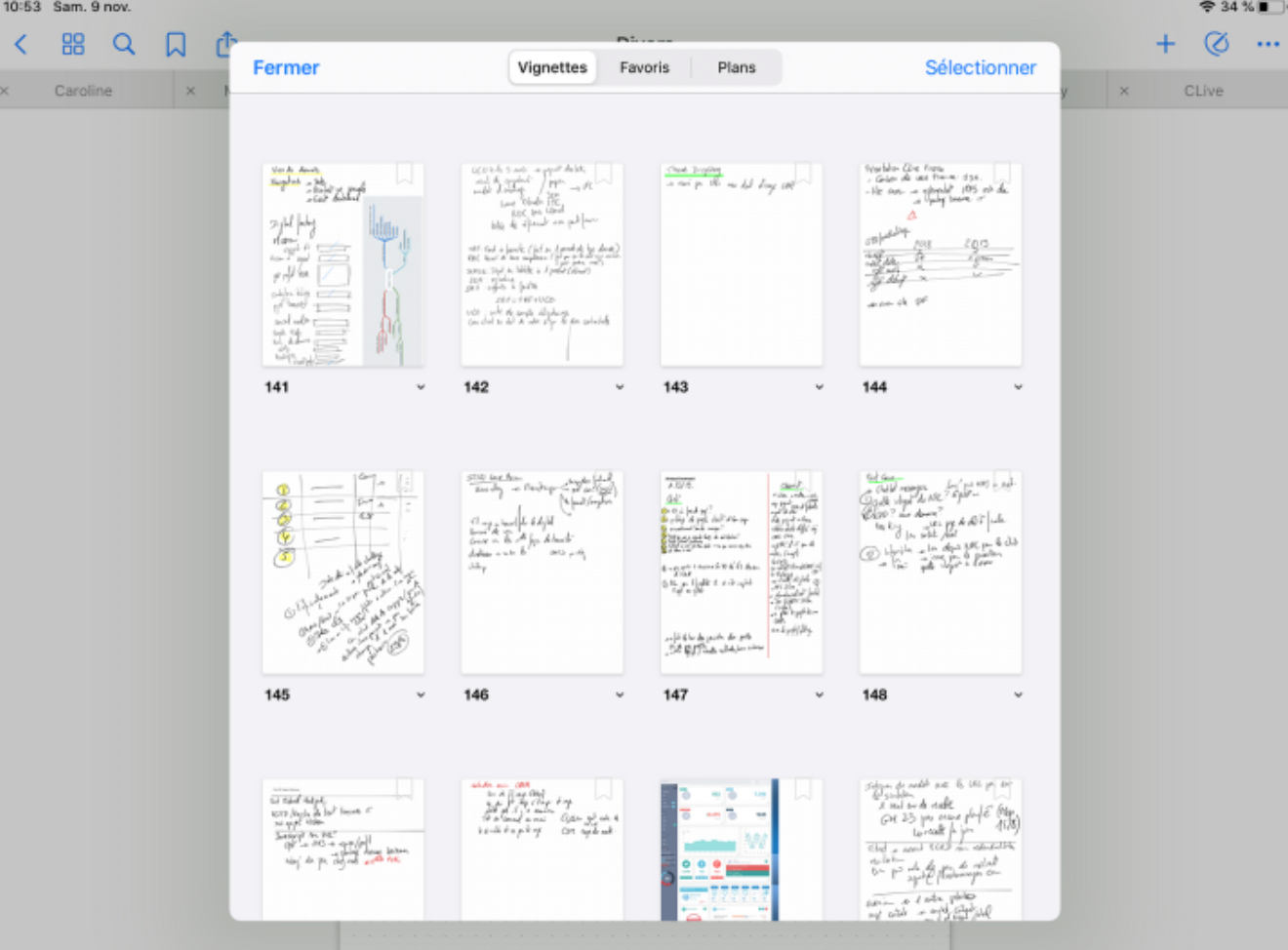
You want to move a page from one place to another (to group notes around the same subject for example), no problem, it's done with a simple drag & drop. You can even move pages from one notebook to another!
Finally, you can chapter your notebook to easily navigate through it when you have several hundred pages (my main notebook currently has more than 400 pages).
Limitless-note-taking functions limits
The IPad /Pencil / Goodnotes pairing is ideal because it combines the advantages of manual note-taking without any degradation of the experience (we are far from my 3-inch monochrome Palm).
In reality, it even does much better than what paper would allow me to do.
The Apple Pencil is the lightest pencil case in the world
With a single stylus I have all the colors, all the thicknesses and several types of pen (ballpoint, nib, brush and highlighter). And I can switch between them easily.
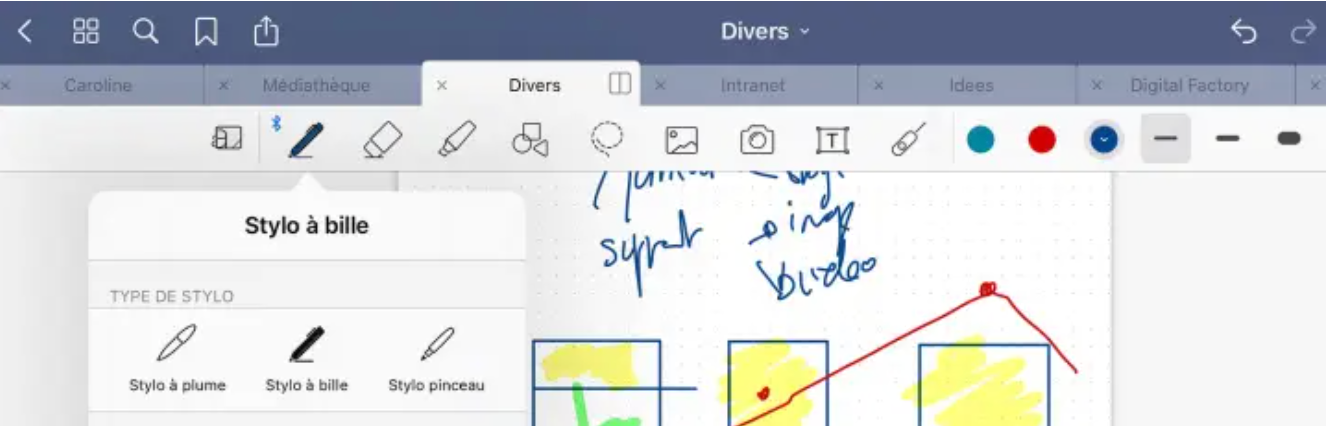
Once a text is written I can erase it, change the color or move it wherever I want. Finally, if I need to make geometric shapes, no need to take out the ruler. A tool corrects my lines and my circles!
These other features that change everything
As if that wasn't enough, Goodnotes has more or less impressive features that make it an ultra-complete tool.
Here is a non-exhaustive list:
- Management of text notes: it seems obvious but we can of course alternate notes typed on the keyboard and handwritten
- Handwriting recognition (OCR): another advantage over the classic notebook my handwritten notes (even with my dirty handwriting) are perfectly indexed and I can find them as easily as if I had typed them. Better yet, I can convert them into text notes to send them to another application (for example send them by email or insert them into an email)
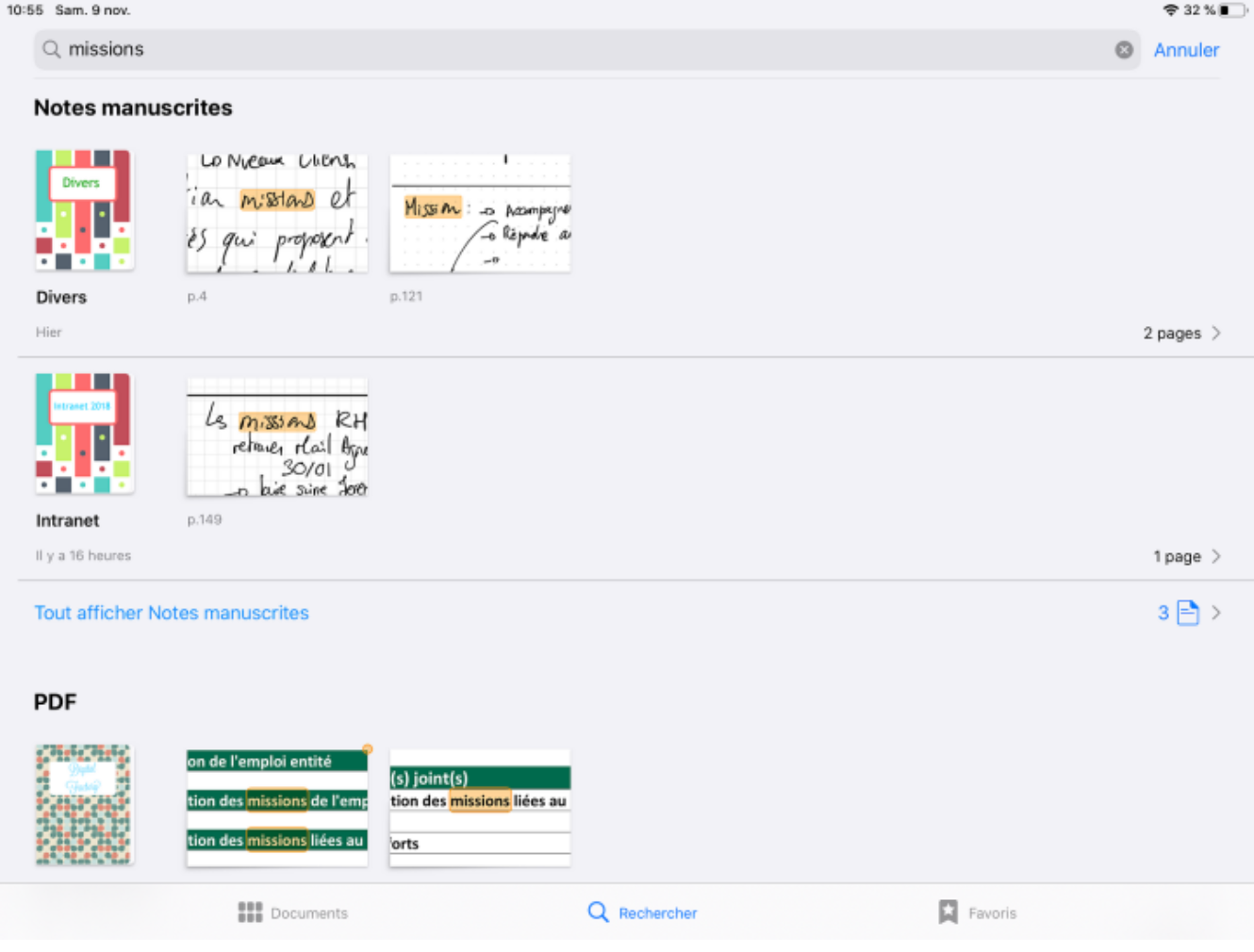
- Insert a document or image and annotate it: A PDF plan, a PowerPoint or a simple photo can be added to your notebook to be annotated. No more printed, annotated PowerPoints that we no longer know what to do with.
- Finally the backup: your notebooks are available on any iOS and macOS device and you can of course export all or part of them in PDF or even print them if necessary.
As you will have understood, the iPad, Pencil, GoodNotes pairing is certainly for me the best note-taking solution because it combines the best of digital and analog in a whole that is far greater than the sum of the parts.
It is not for nothing that students (in medicine in particular) use this tool en masse because it is ideal for making diagrams while managing annotations and other comments on course materials.
I waited before writing this article because I really wanted to see if this solution was sustainable over time but 6 years after making the switch I can guarantee you that I would never go back.
If you have questions or other methods do not hesitate to share them in comments.